Salesforce Spring ’26 Simplifies PDF Generation Using Apex
Introduction
There’s a moment most Salesforce teams recognize immediately.
Everything looks fine.
Data is clean.
Automations are doing their thing.
Approvals are wrapped up.
Then someone asks for a PDF.
That’s usually when momentum drops a notch.
Not because Salesforce can’t handle the data — it can. The real issue has always been what happens after the data needs to turn into a document. Exports, Visualforce workarounds, third-party tools bolted on later. All usable. None particularly enjoyable.
Most teams didn’t love this part of the process. They worked around it and moved on.
Salesforce Spring ’26 quietly shifts that experience.
What Actually Changed in Spring ’26
Before this release, generating PDFs in Salesforce almost always meant picking a workaround — sometimes more than one, depending on scale and timing.
Visualforce pages rendered as PDFs were common. Flow-based tools helped in specific cases. External services filled the remaining gaps. And to be fair, these approaches usually worked. Until volume increased, templates changed, or ownership moved to a new team.
Spring ’26 introduces a more direct option: PDF generation through Apex.
Not layered on top of the UI.
Not tied to a rendering context.
Just backend logic producing documents from structured data.
That may sound like a small architectural tweak. In practice, it changes how and when documents are created — especially at moments where reliability matters more than presentation.
Why This Matters More Than It Looks on Paper
Release notes tend to focus on what changed. On the ground, the more useful question is usually: what breaks less now?
Document automation has always been a quiet stress point. When PDFs fail, users don’t always raise tickets right away. They adapt. They double-check numbers. They keep offline copies. They export data “just in case.”
I’ve watched solid Salesforce implementations lose trust slowly this way.
Native PDF generation using Apex doesn’t just remove steps. It removes uncertainty.
There are fewer manual handoffs, output becomes more predictable, and teams regain control over when documents are created. Yes, technical debt drops. But the more meaningful shift is psychological — people stop second-guessing the system.
Where Apex-Based PDF Generation Fits (and Where It Doesn’t)
This feature aligns well with how many Salesforce teams already build today.
Apex-driven orchestration.
Async processing.
Logic handled outside the UI.
Generating PDFs at the backend level fits naturally into that model. Teams can create documents after record creation, attach them automatically, or route them through email and integrations — without worrying about UI dependencies.
It’s not a universal replacement, though. Highly visual or user-driven documents may still need a front-end layer. But for system-generated files like invoices, summaries, or confirmations, Apex-based generation is often the cleaner option.
A Practical Example (No Theory Required)
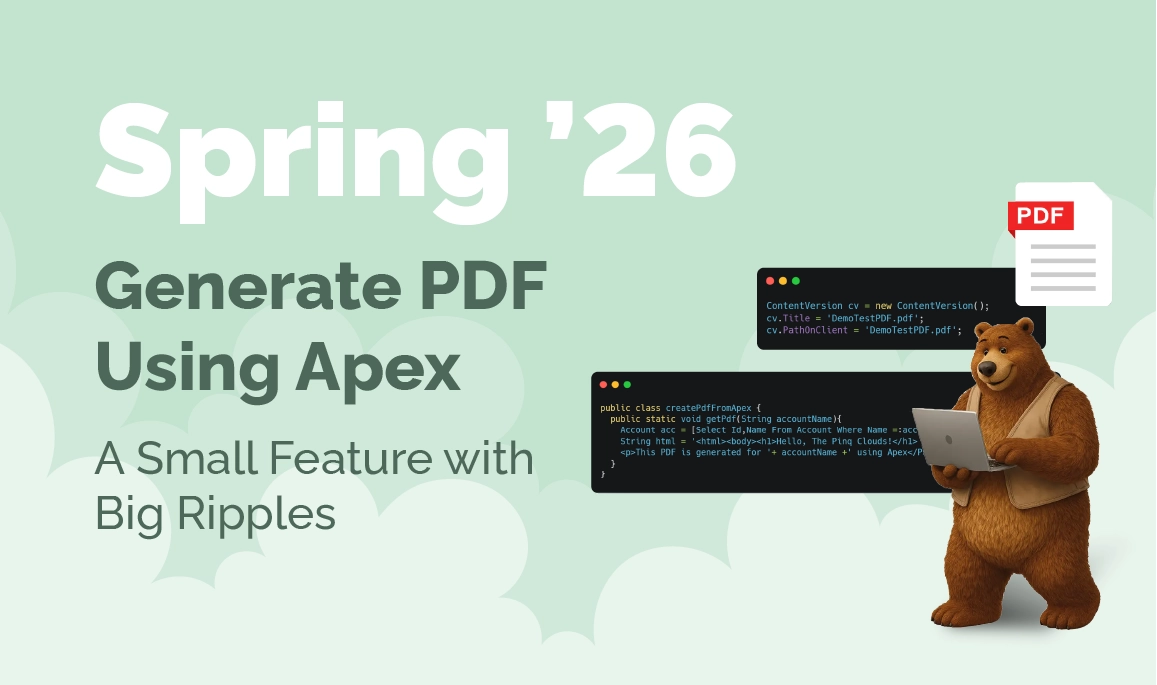
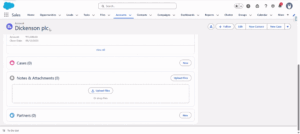
Here’s a simple Apex pattern that generates a PDF for an Account and stores it as a Salesforce File — without Visualforce:
public class createPdfFromApex {
public static void getPdf(String accountName){
Account acc = [Select Id,Name From Account Where Name =:accountName LIMIT 1];
String html = '<html><body><h1>Hello, The Pinq Clouds!</h1>
<p>This PDF is generated for '+ accountName +' using Apex</P></body></html>';
Blob pdfBlob = Blob.toPdf(html);
ContentVersion cv = new ContentVersion();
cv.Title = 'DemoTestPDF.pdf';
cv.PathOnClient = 'DemoTestPDF.pdf';
cv.VersionData = pdfBlob;
cv.IsMajorVersion = true;
cv.FirstPublishLocationId = acc.Id;
insert cv;
}
}
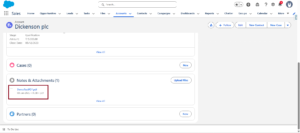
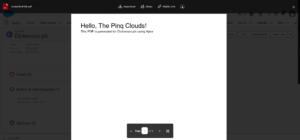
A few things stand out when you look at this closely. The HTML is controlled entirely in Apex. There’s no rendering dependency. The file is stored natively using Salesforce Files.
createPdfFromApex.getPdf('GenePoint');
It’s not flashy. That’s exactly why it works.
If you’ve ever dealt with late-stage UAT issues tied to PDFs, this kind of predictability matters more than it sounds.
Key Takeaways
In practical terms, teams gain a few very real advantages.
PDFs generate when logic says they should. Data and documents stay aligned. High-volume scenarios behave more consistently. Third-party dependencies shrink. And users trust outputs instead of double-checking them.
It’s not a long list, but the impact compounds quickly.
Why This Matters for Businesses and Consulting Teams
From a business standpoint, PDFs aren’t just files. They represent commitments — invoices, contracts, confirmations.
When those documents fail or feel unreliable, credibility takes a hit.
With Apex-based PDF generation in Spring ’26, companies see faster turnaround times, less operational friction, and cleaner audit trails. For consulting teams, this creates an opportunity to simplify legacy implementations without tearing everything apart.
Not every improvement needs a transformation program. Sometimes, small backend changes unlock the most value.
What Companies Should Do Next
Don’t refactor everything at once. That’s rarely productive.
Start smaller. Identify where PDFs are still manual. Look for document flows users don’t fully trust. Flag Visualforce or third-party tools that feel fragile.
Introduce Apex-based generation where it removes friction first — invoices, summaries, confirmations — and expand from there.
Salesforce’s developer documentation is a solid reference if you want to explore patterns further: https://developer.salesforce.com/
A More Honest Closing
This feature won’t trend. It won’t headline keynotes.
But it fixes a problem teams feel every day.
When documents align cleanly with data, Salesforce stops feeling like something you work around — and starts feeling like something you rely on.
At The Pinq Clouds, we focus on changes like this. The quiet ones. The ones that remove friction instead of adding layers.
And yes — that includes PDFs that finally behave.